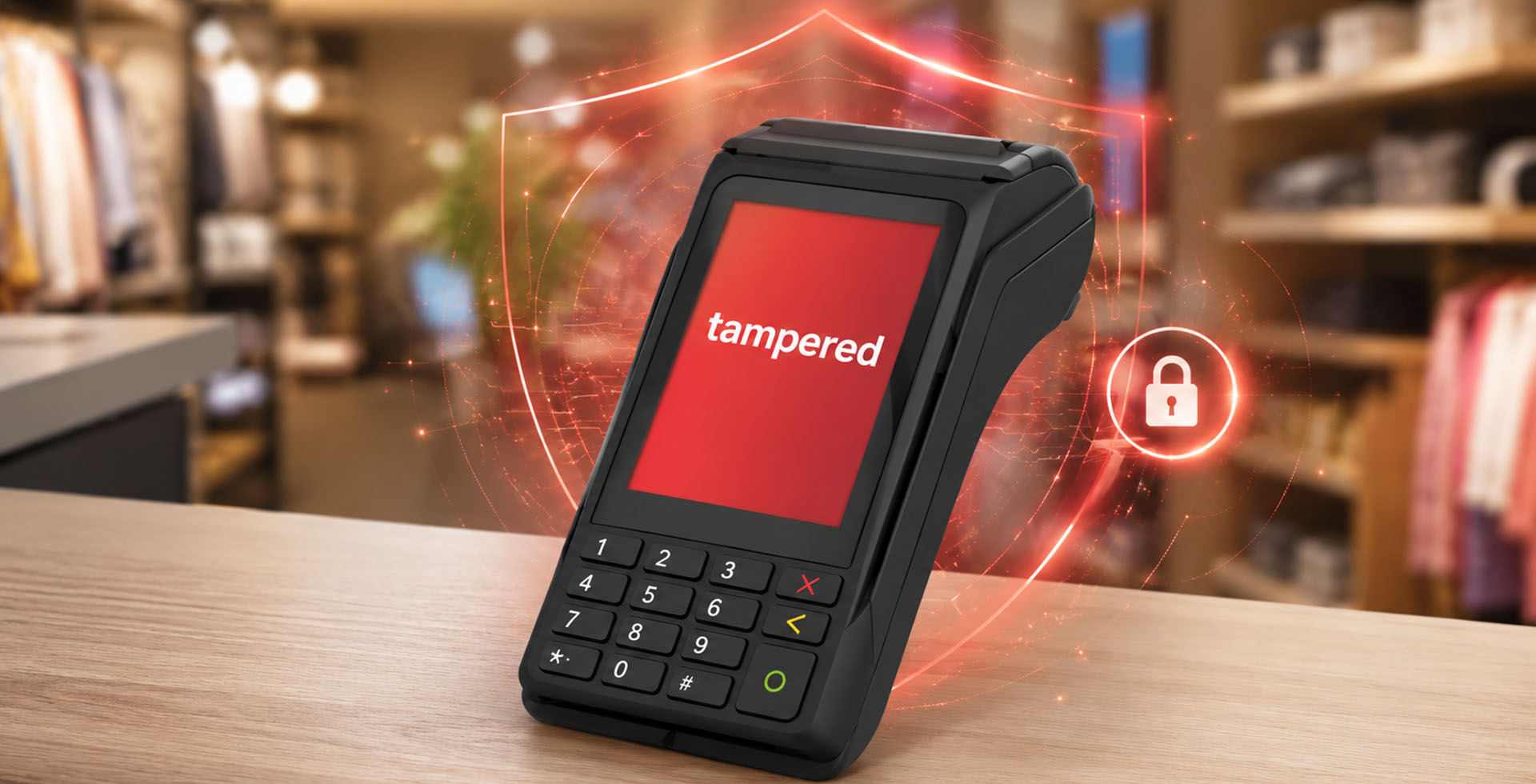
EFTPOS terminals are built with advanced security protections designed to keep card payments safe.
Occasionally, a terminal may display a message such as:
- Tamper Detected
- Security Alert
- Device Locked
- PED Tampered
While it may look like a normal error message, a tamper event is very different from a software fault or connection issue.
It means the terminal has activated its built-in security protection.
Why do EFTPOS terminals have tamper protection?
Payment terminals process sensitive card information, including encrypted card data and PIN entry. Because of this, they are designed and certified to strict international payment security standards.
Inside every modern EFTPOS terminal are multiple layers of protection that monitor for conditions that could indicate the device has been physically accessed, modified, or compromised.
If the security system detects something unexpected, the safest response is to immediately lock down the secure payment hardware.
This is called a tamper event.
Does tampered mean someone tried to break into the terminal?
Not usually.
The word “tamper” can sound alarming because it suggests someone deliberately interfered with the device. In reality, many tamper events are accidental.
The terminal does not know whether an event was caused by an attempted attack, an accident, or hardware damage; so, it is designed to always choose the safest option.
Common causes of terminal tamper events
Drops and impacts
One of the most common causes is physical shock.
A terminal being dropped onto the floor, knocked from a counter, or receiving a heavy impact can trigger internal security sensors.
The outside casing may still look completely normal, but internally the device may have detected a condition outside its approved operating state.
Pressure or casing movement
Payment terminals contain sensitive protection mechanisms around the secure areas of the device.
A tamper event may occur if the terminal experiences:
- excessive pressure
- twisting or flexing of the casing
- internal movement
- damage to security contacts
Environmental conditions
Extreme environments can also affect payment hardware, including:
- excessive heat
- moisture or liquid exposure
- condensation
- electrical damage
Component failure
Sometimes there is no obvious external cause.
Like all electronic devices, components can fail. If part of the security monitoring system stops operating correctly, the terminal may enter a protected state.
Why can’t a tampered terminal just be remotely reset?
This is one of the biggest misunderstandings. A tamper event is not simply an error message that needs clearing. It is a hardware-level security response.
Once activated, the device assumes that the secure payment environment may no longer be trusted.
Allowing someone to remotely unlock or bypass that protection would defeat the purpose of having tamper security in the first place.
Will restarting or factory resetting fix it?
Generally, no. A normal reboot, software update, application reinstall, or factory reset cannot clear a genuine tamper condition. The protection is built below the normal operating system level and is designed to remain active even if the software is changed.
Why is this important?
While inconvenient, tamper protection helps maintain trust in electronic payments.
Every time someone taps, inserts, or swipes their card, they rely on the terminal being secure.
These protections help ensure that:
✔ card information remains protected
✔ PIN entry stays secure
✔ compromised devices cannot continue processing payments
✔merchants and customers remain protected
A tamper event means the security worked
It can be frustrating when a working terminal suddenly stops operating, but a tamper response means the device has done exactly what it was designed to do. Modern payment terminals are built to fail safely. When there is uncertainty, they protect the payment environment first.